JavaScript 101 /data
When working with JavaScript, the console is just as important as the editor. It allows you to see the output of your code, debug errors, and interact with your program in real-time. The console is your friend, don't forget that.
- As a first exercise, log something in the console:
console.log("Hello, world!"); - Press CTRL + SHIFT + enter to run your code.
Note how we put the text between quotes. By putting the text between quotes, JavaScript treats it as a string: a sequence of characters.
Variables
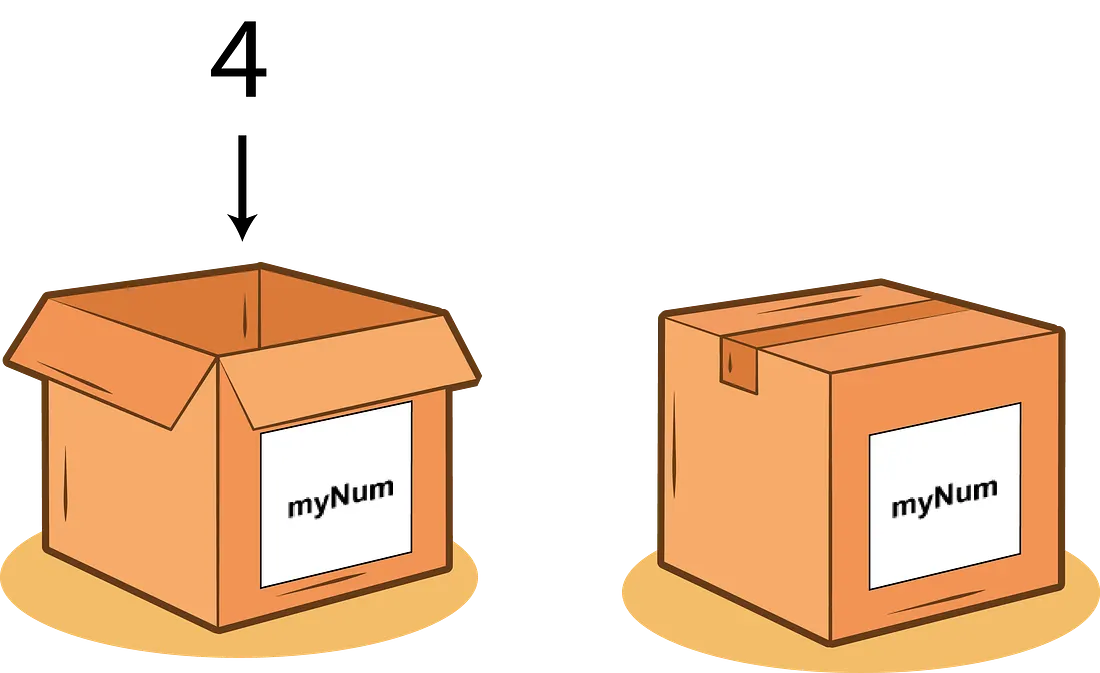
Variables are like boxes for storing data. You slap a big label on them to know what's inside and that's that.
Variables allow you to give a name to a value and use that name to refer to the value later in your code. In JavaScript, you can declare a variable using the "var", "let" and "const" keywords. But, during this course we will only use
You create a variable like so:
Now, try to make a variable and then read it out in the console:
Remember: we only use var when creating a variable.
Time for a tiny quiz
Assignments
Now and then you will get some assignments which will really test your knowledge. Sometimes these assignments will forbid you from peeking at the documentation. This is a real test after all!
Don't start the assignment before you're ready to give it your full attention as time will be recorded in order to assess your knowledge. Don't rush though, no points are awarded based on completion time.
When you complete an assignment, make sure to submit it by pressing the "Finish assignment" button. Then, ask the teacher for feedback.